



Photo Digitisation
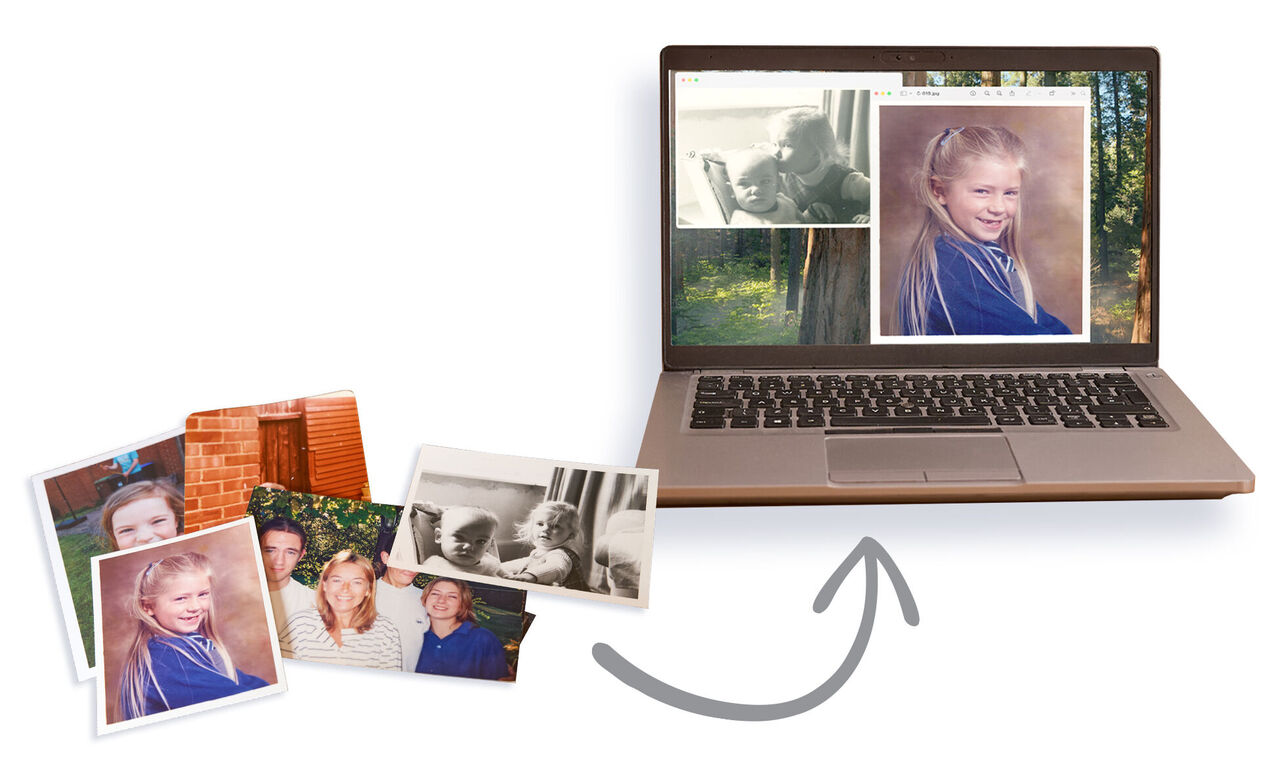
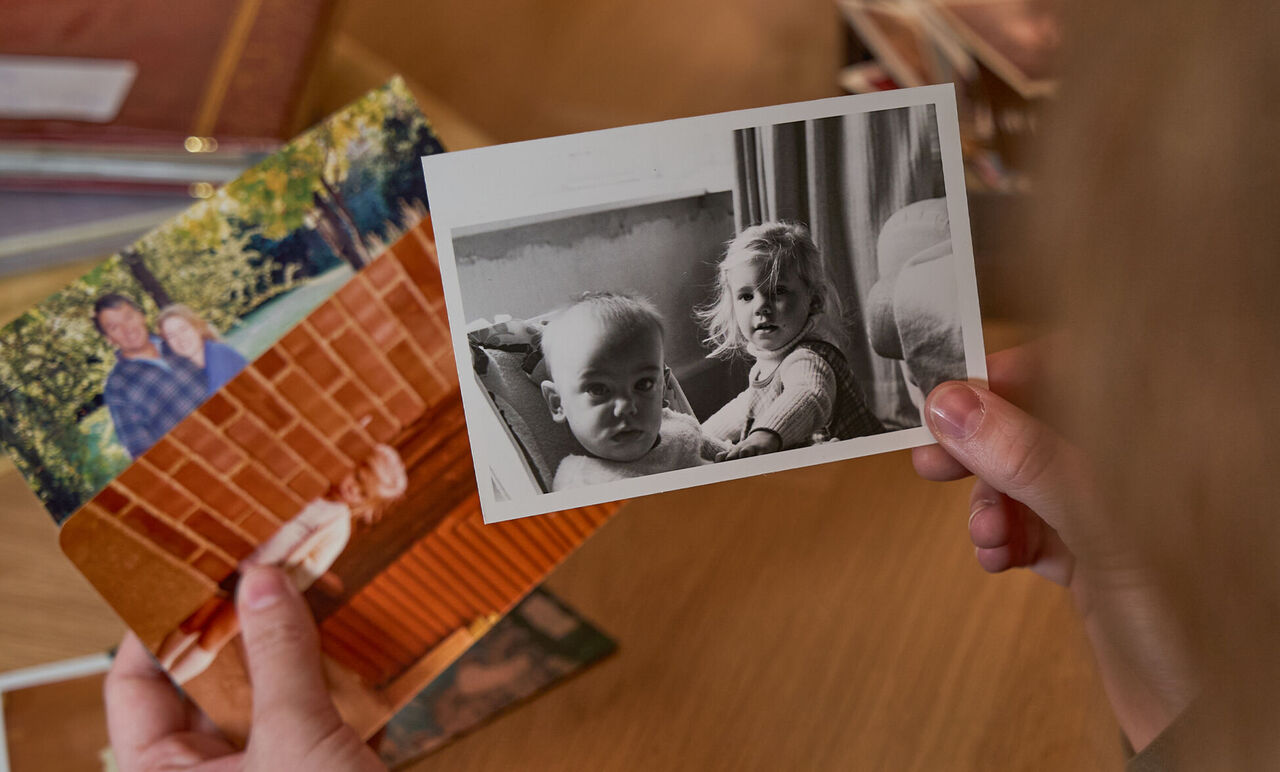
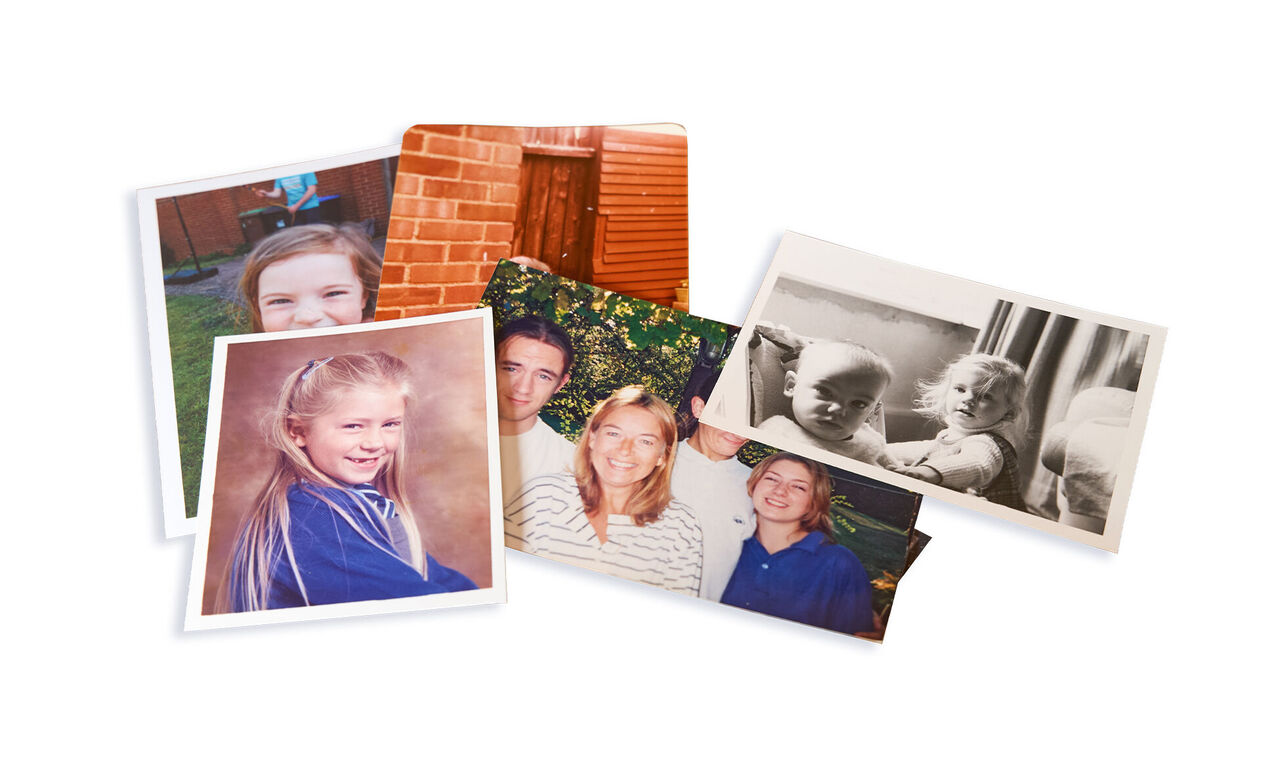
Scan your loose, old prints.
- Dimensions from 2”x 3” (5 x 8cm) up to A4
- We can process photos from albums, loose photos, newspaper cuttings & paper mementos
- Choose from two resolution quality levels: Standard (600 dpi) or High (1200 dpi)
Scan quality levels


Posting and packing tips
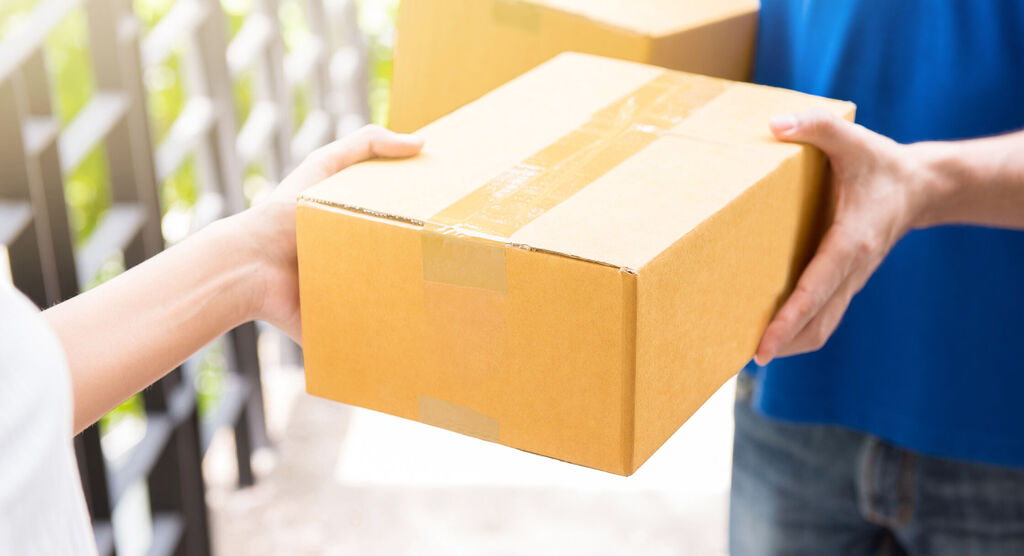
Loose photos: how to sort and prep for shipping
- Remove any adhesives such as blu-tack and tape, and any staples.
- If your originals are in albums, please remove them and collect them together. This service is for loose photos only.
- Collect your originals into envelopes or rubber band them in groups. We will put each collection into a separate digital folder.
- Try to keep each folder to more than 30 originals.
- If you label each collection, we’ll use the name on the folder within your gallery. Please keep the name short. For example, if you name the collection “Corfu 1973” we’ll create a digital folder called "Corfu 1973" and your filenames will follow this, eg. Corfu 1973-001.jpg, Corfu 1973-002.jpg.
- You do not need to count all your items, as our team will be doing that when we receive them at out lab. A rough estimate is sufficient to place an order.
How does it work?
Place your order & wait for the Secure Shipping Box to arrive
After placing your order, we’ll send out a specially designed Secure Shipping Box. Simply place all the photos, slides and negatives you’d like digitised inside; different formats can go in together. The return postage is already paid, and we’ll include clear packing instructions to help keep everything protected on its way back to us.
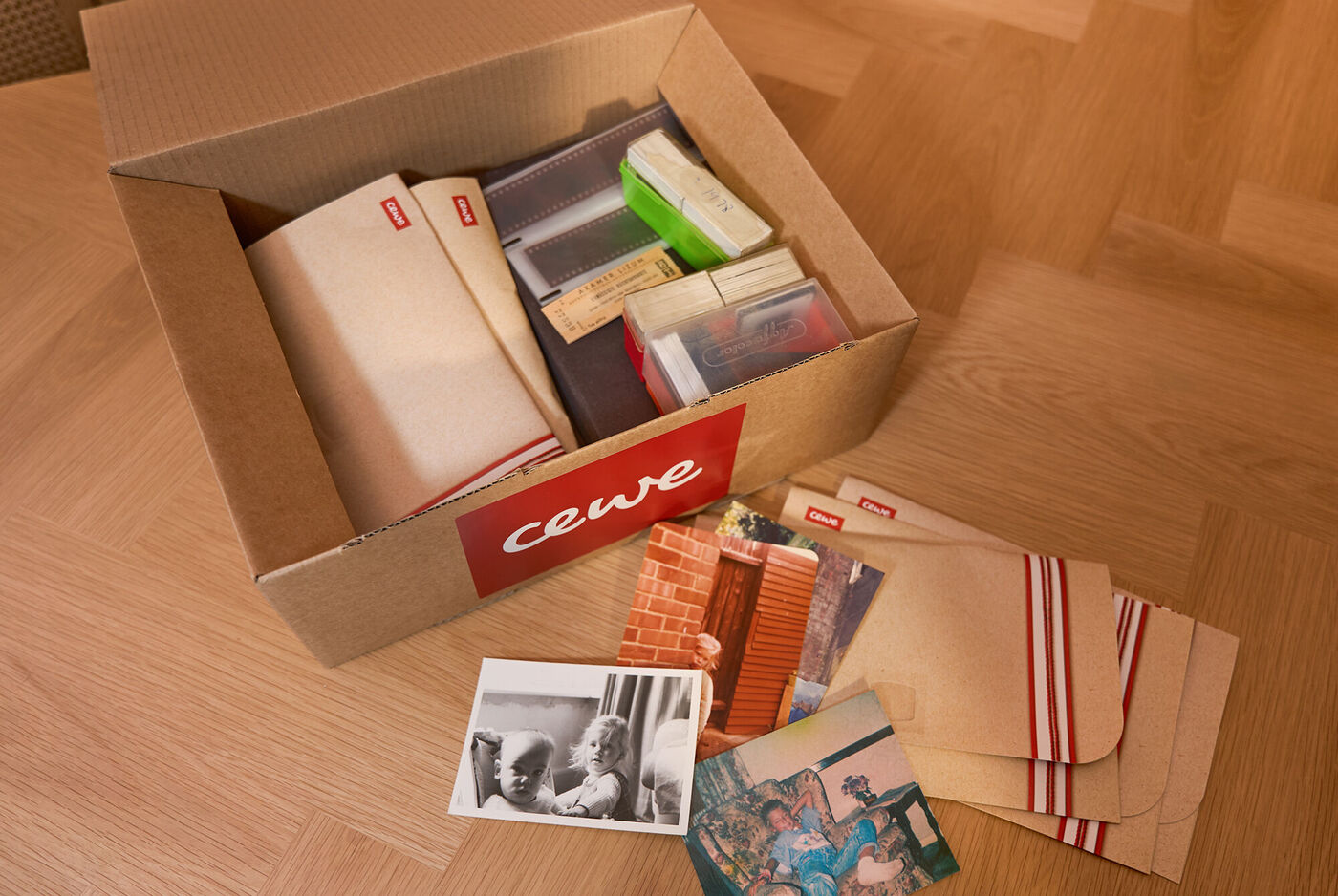
We process your memories
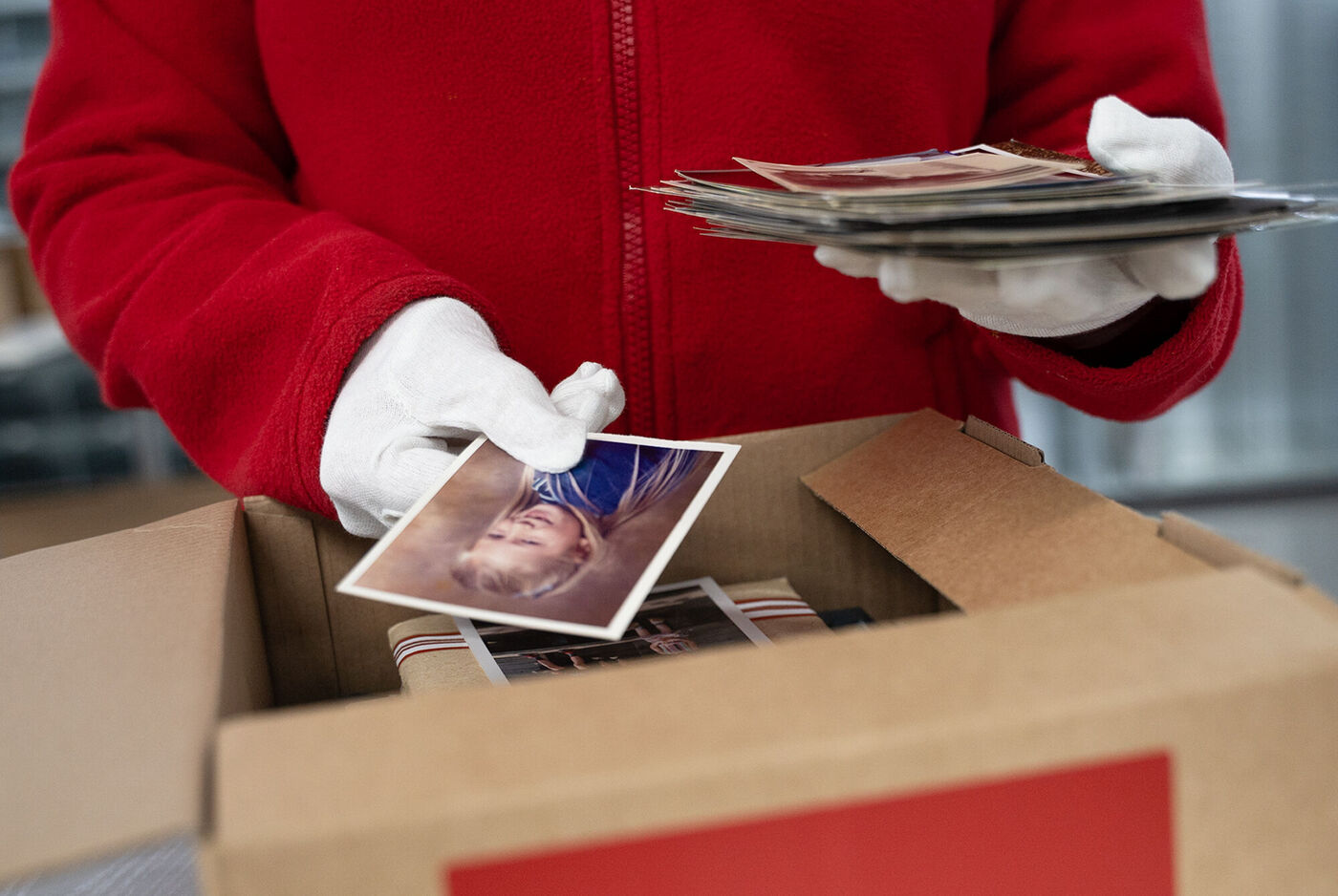
As soon as your Secure Shipping Box arrives, our team carefully counts the items. If you’ve included more pieces than originally ordered, we’ll contact you with a simple additional invoice, payable online or over the phone. You can follow each stage of the process using our order tracker, and our customer support team is always on hand if you need assistance.
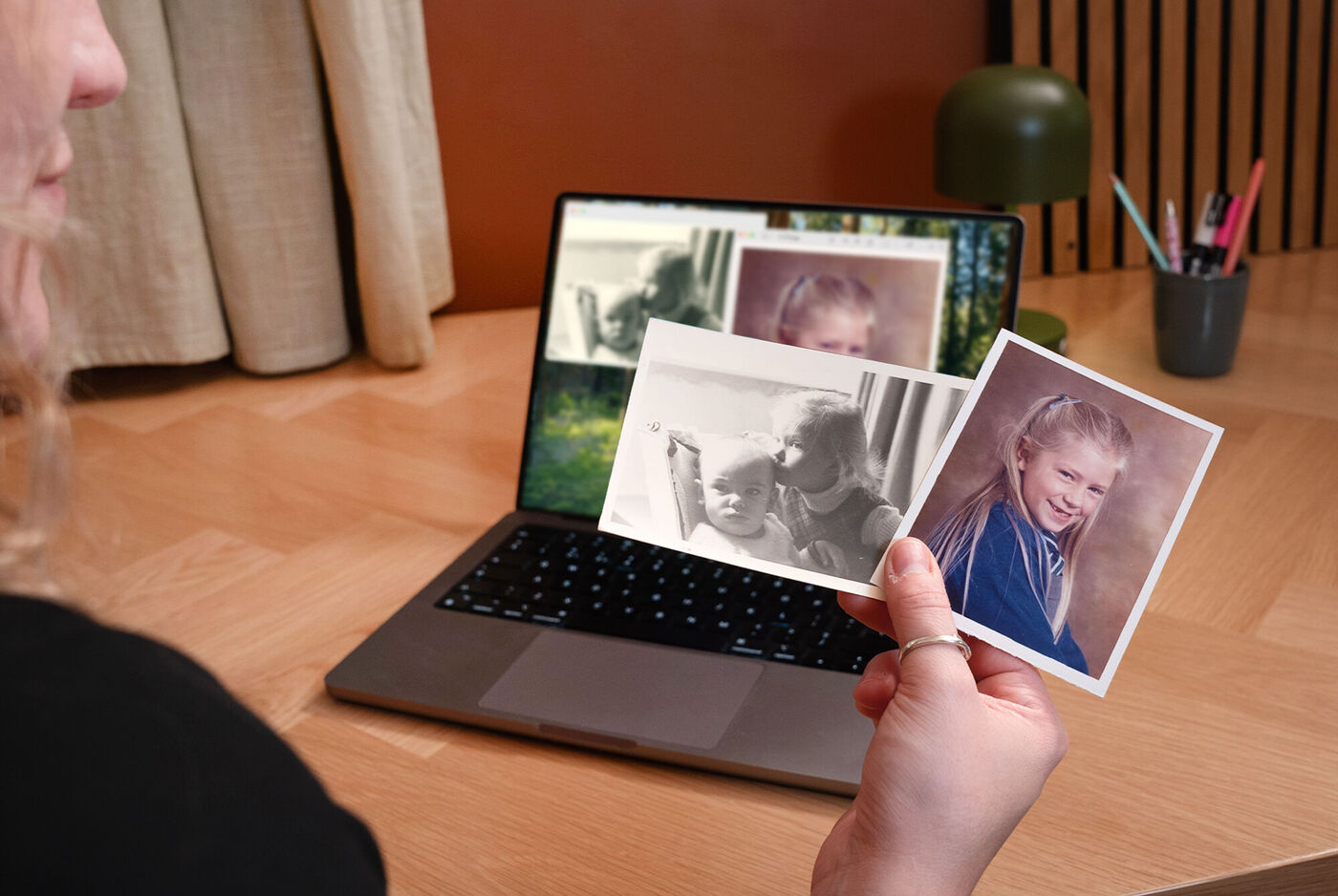
Enjoy your memories revived
Once your digitisation is complete, we’ll send your original items back using Royal Mail 1st Class Track & Signed. Inside the return package, you’ll also receive your personal download link to access your digital files, plus a USB if you chose that option at checkout.
What happens after I order?






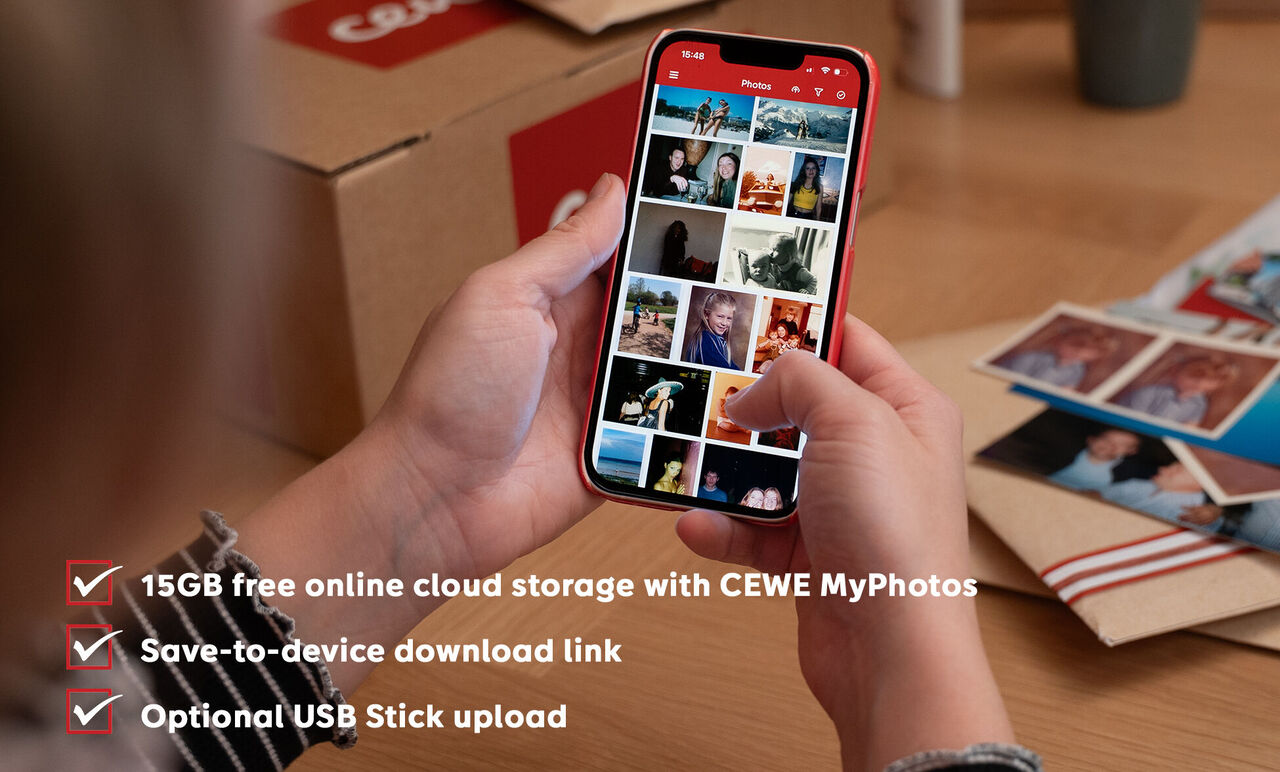
Backed-up memories, easy-to-access
We’ll export your photos as jpegs.
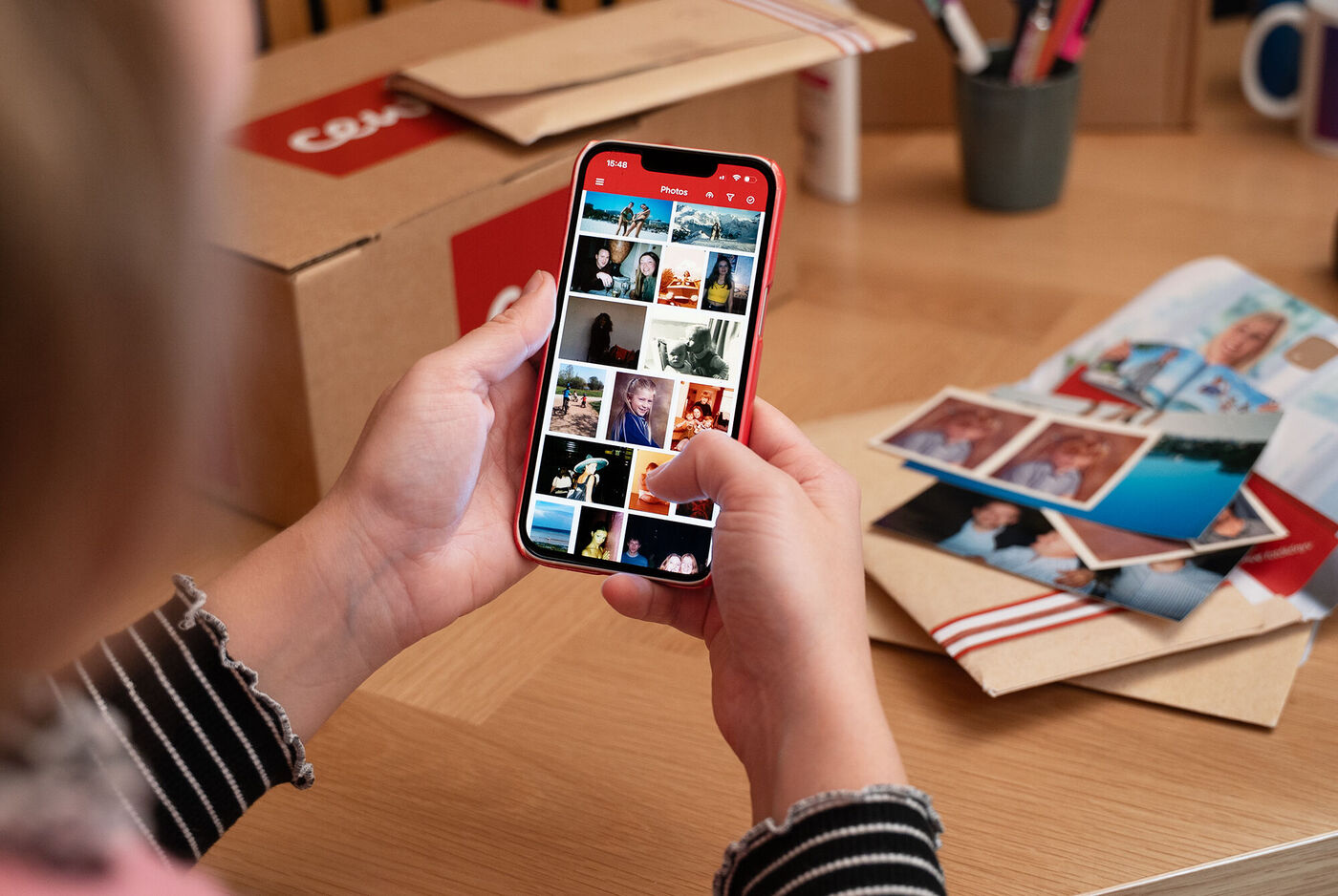
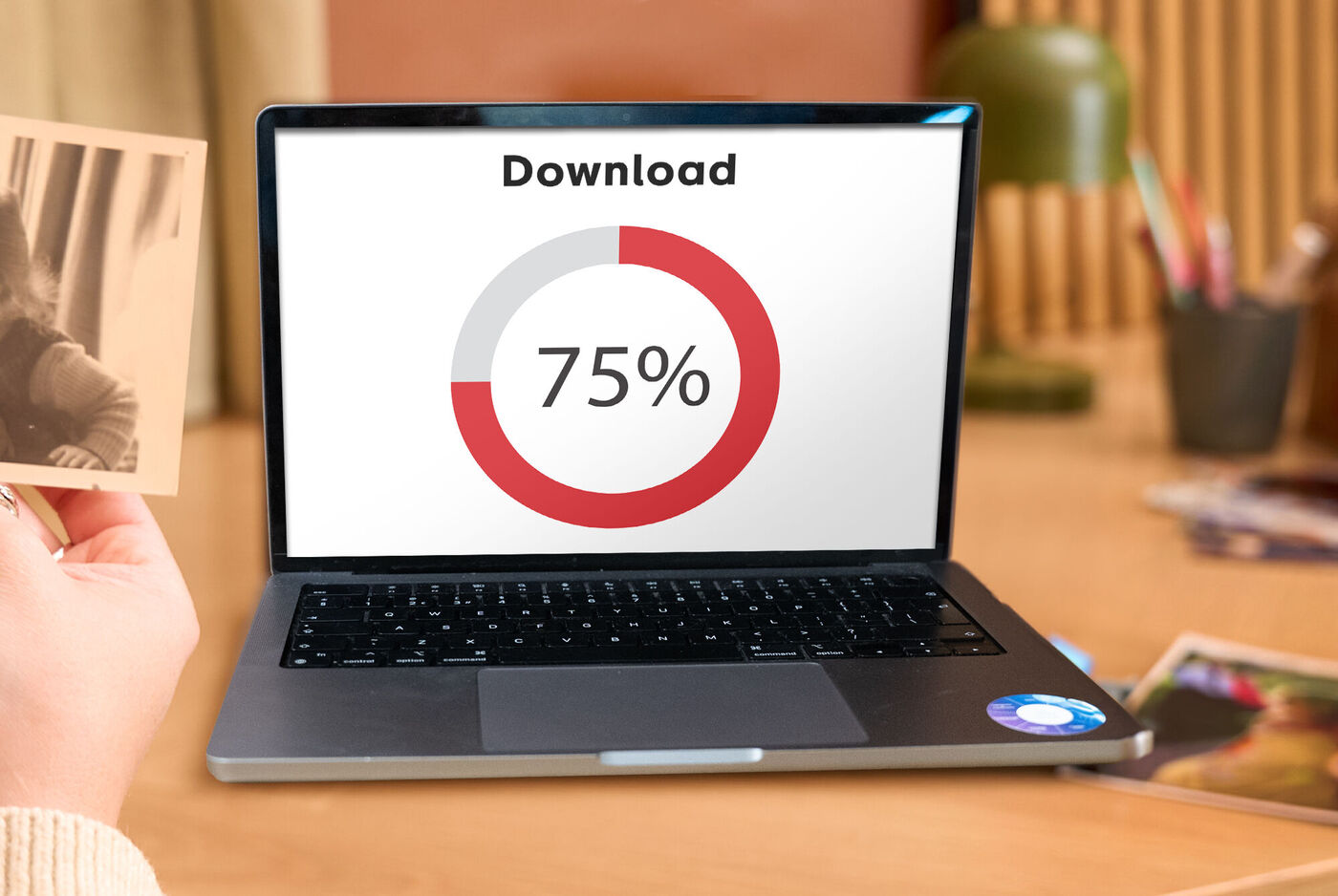
Download link included
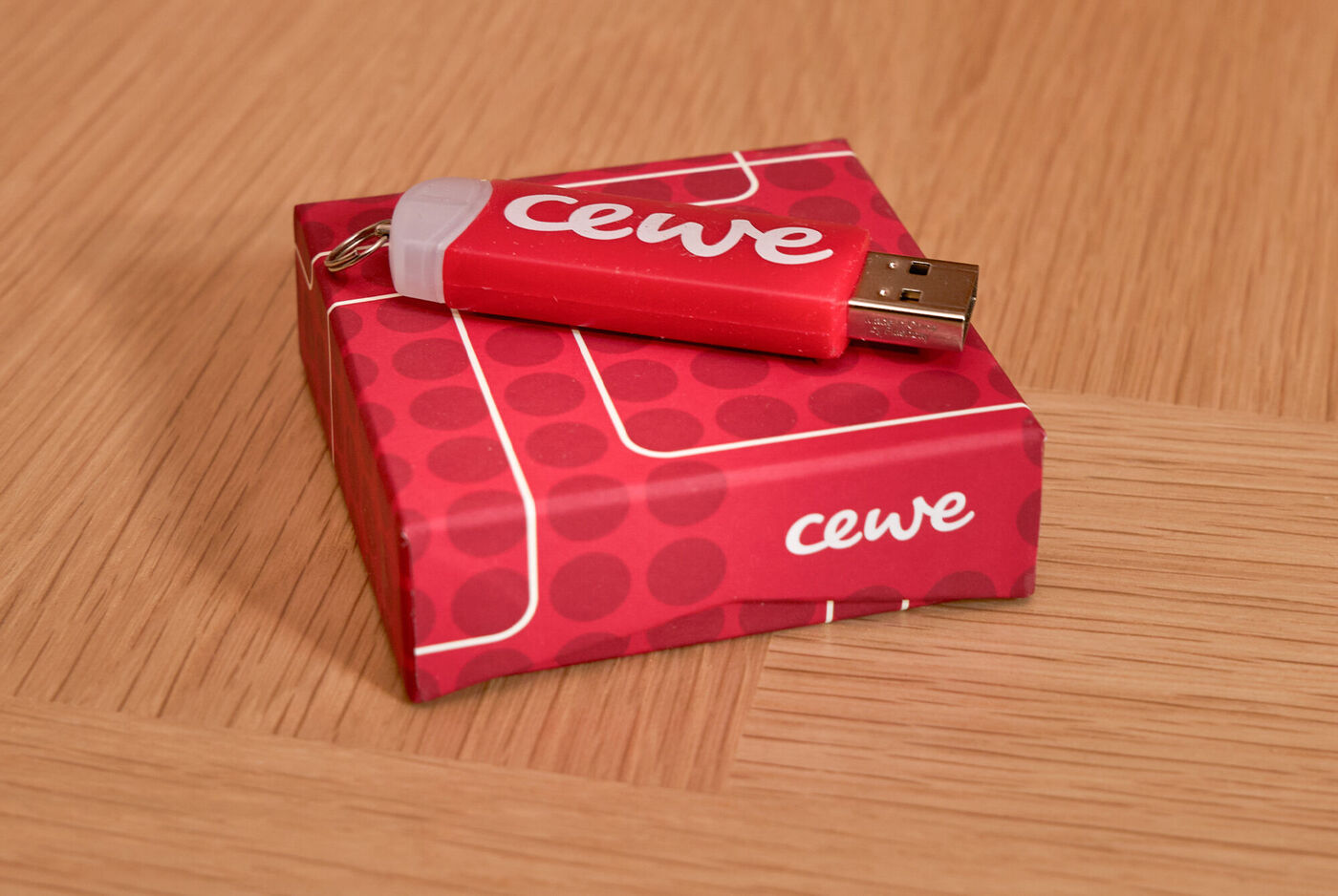
Add a USB Stick to your order for extra peace of mind
(optional add on)
More information about digitising your negatives
We're happy to answer any questions you have about ordering, scanning and delivery. You may find your answer here in our FAQ.
Which products can be scanned and digitised by post?
When ordering by post, you have the option of digitising either 35mm slides (24x36mm, framed), negative strips (35mm, 110 or 126 - at least 3 images per strip) or printed photos (from 2” x 3” to A4).
What if I have too many items to count?
You do not need to count all your items, as our team will be doing that when we receive them at our lab. A rough estimate is sufficient to place an order. If you’ve sent us more than your original order, we will be in touch with an invoice for the extras.
How long will my order take to be processed?
Processing usually takes place within approximately 10 working days from the date we receive your shipment in our laboratory.
Which storage medium can I choose?
You’ll receive a secure link to download your digitised photos. You can then choose to upload them to CEWE myPhotos , which includes 15GB of free storage. Additionally, you can select a USB stick as an extra storage medium - do this in the basket when you place your order. The USB stick is not copy-protected and can be used like a standard USB stick. You own the copyright to your digital images.
Are there size limitations when it comes to scanning my prints?
All prints up from 2 x 3 inches up to A4 size can be scanned.
It does not matter whether the photos have straight, perforated or torn edges.
How good is the scan quality?
We offer two quality levels for photo scanning: Standard and High Resolution. Both options produce high‑quality scans, but High Resolution scans are created at 1200 dpi for greater detail. Please note that slides and negatives are always scanned at High Resolution to ensure the best possible results.
How quickly does the download link expire?
The link will expire after 6 weeks after being initially created on our end. Once you've used your secure ID, you will see a message with details of when this final date is. If you choose to upload to CEWE myPhotos at this stage, your photos will be securely stored in your account.
How does collection from home work?
At checkout, you can choose to drop your package off at a local drop-off point or have it collected from your home. If you select home collection, a courier will collect your package on the next working day.
How do I send my photos to CEWE?
After placing an order, you will receive an email confirmation. Suitable packaging for your order will arrive within 3-4 working days.
The order confirmation email contains a link to the Royal Mail portal to generate a shipping label. Please print out your order confirmation e-mail and include it in your package. If you are unable to print out the order confirmation e-mail, we would ask you to write your order number by hand and enclose this instead.
Insert the printed email into the package, seal it, attach the label, and either drop it off at a local point or arrange for home collection.
How do you ensure my photos will be safe and secure?
We know how priceless your unique memories are, and we treat them with utmost respect. You will receive a fully trackable shipping label to use when sending your images to our laboratory. After we receive your shipment, you'll get a confirmation e-mail from us including a photo of your package, so you know we've received it safely. If any questions arise during the processing of your order, our customer service team will contact you by email or telephone. After successful digitisation, you will receive another confirmation from us, letting you know your order is on its way - this also includes full tracking.
What about my originals?
After digitisation, your originals will be carefully packed up by us and sent back to you with tracking.
Do I pay before or after you receive my items?
Payment is required at the time of placing your order online. We accept card payments, PayPal, Klarna, Apple Pay, and Google Pay. If any additional costs apply for extra items, we will contact you.
How do I access my digitised photos, and what format are they in?
You will receive a delivery note with the return of your original media. This note includes a secure download link, and step-by-step instructions for viewing and downloading your photos. All digitised photos are provided in JPEG format.
Can I send you my entire photo album?
We’re unable to digitise photos that are still in “slip‑in” style albums with plastic pockets. Please remove the prints and send them to us loose in a stack.
Discover the advantages of scanning and digitising your photos
Make your old 35mm film and slides easy to find, organised and sharable with others.
Never miss an offer again with the Boots Photo Newsletter
Register now to receive offers, updates on new products and all the latest tips and inspiration.
- Latest news and product launches
- Offers
- Competitions
- Inspiration and ideas
Registration Successful
Just 1 more click...
For data protection reasons, you will receive a confirmation e-mail shortly.
Please click the confirmation link in the e-mail to activate your free subscription to our newsletter.
You can, of course, cancel your subscription at any time.
Sorry!
Unfortunately, an error has occurred
Unfortunately, we were not able to sign you up for our newsletter. Please try again later.


